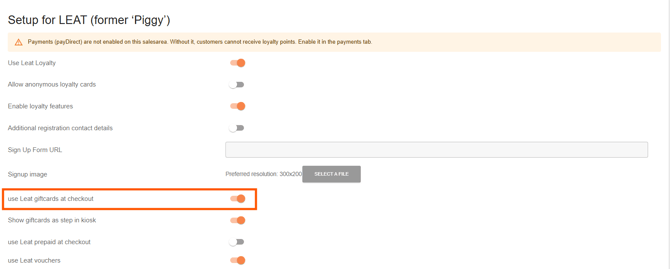
First of all you need an account from Leat. How you setup Leat you read in this article: https://knowledge.jamezz.com/migration/knowledge/how-do-i-setup-leat
After that you can set up Leat giftcards.
We would like to inform you with the next steps how create giftcards.
In Leat you go to Store > Giftcards and here you can add an new reward.
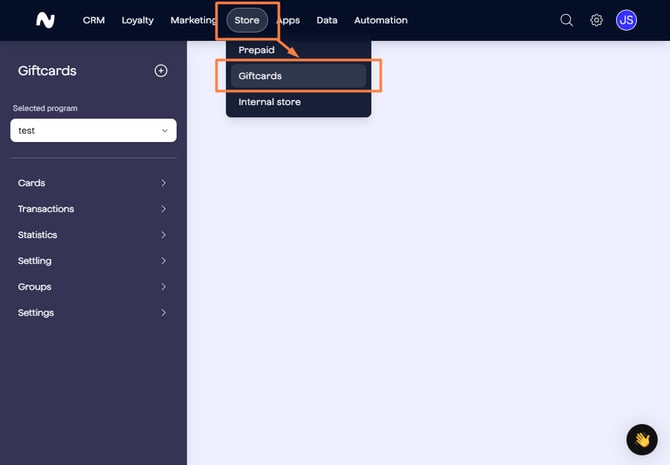
Step 2:
Navigate to Giftcards.
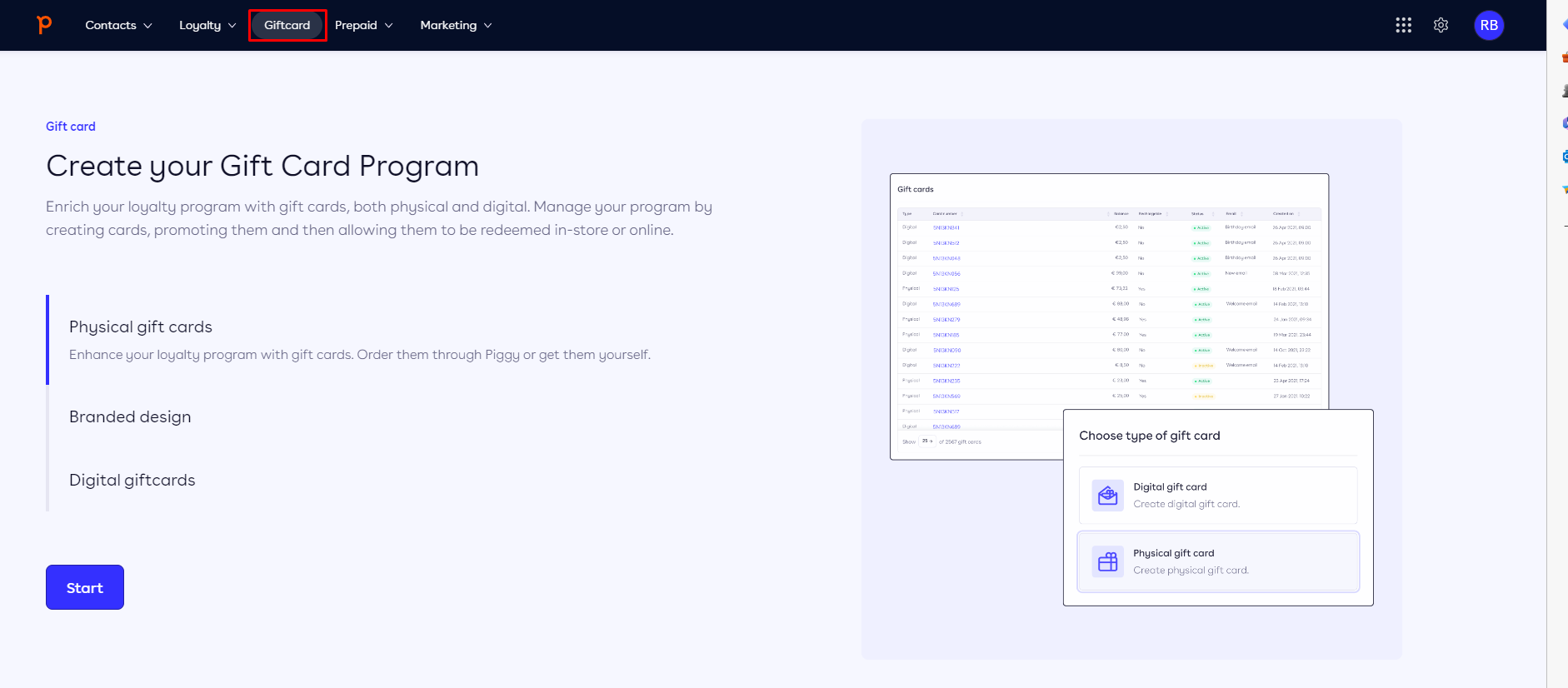
Step 3:
Follow all of the steps.
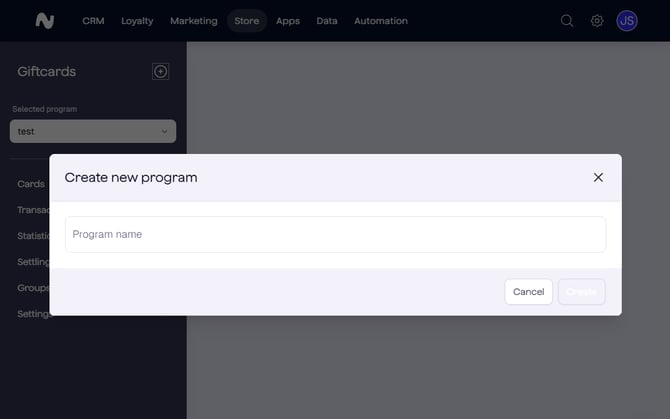
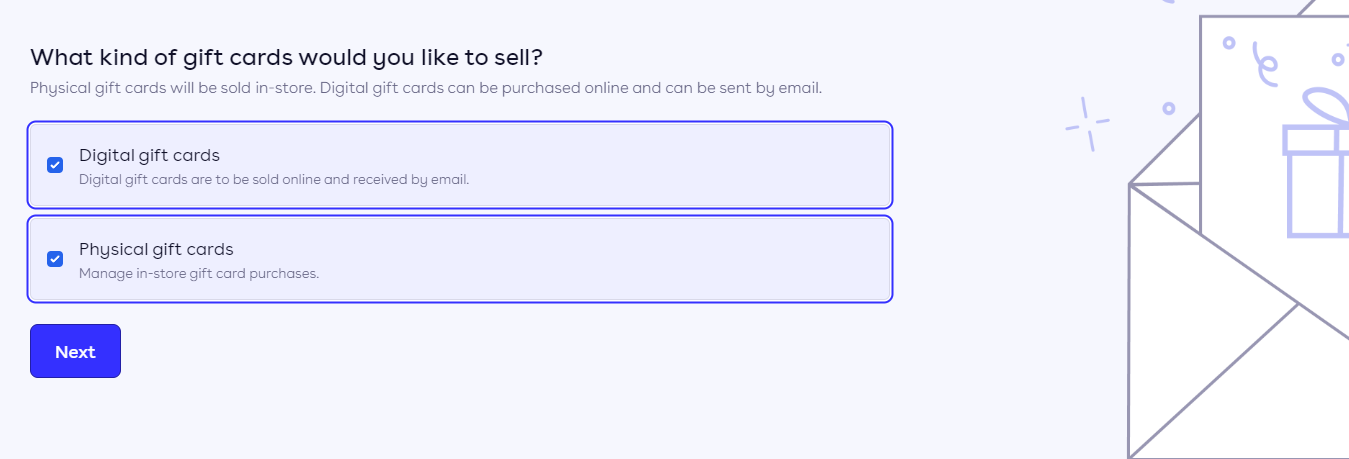
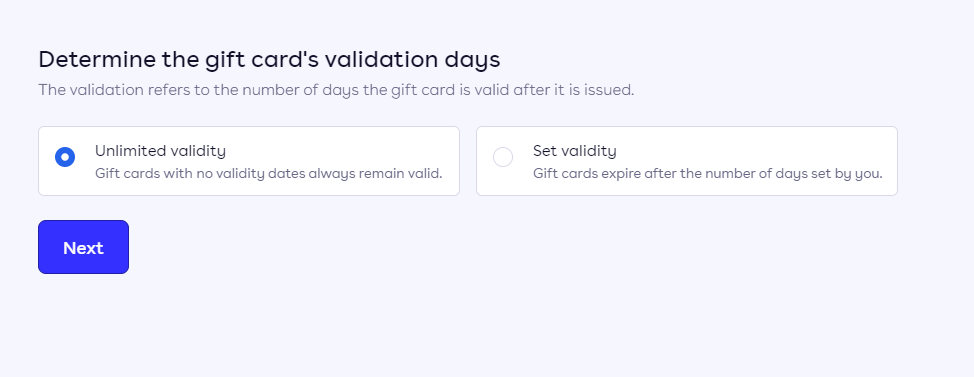
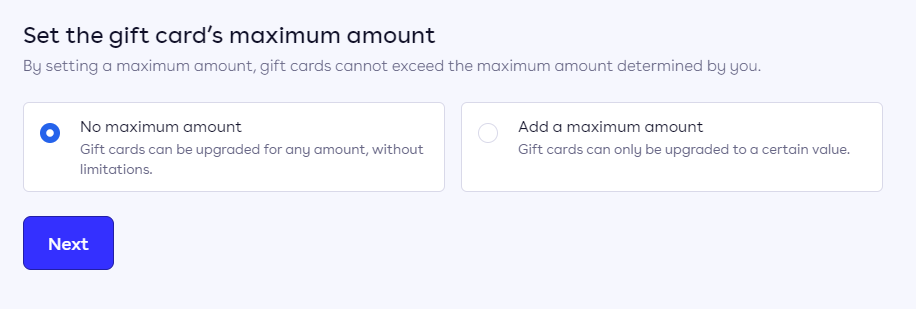
After that, the giftcards are available to link with Jamezz BackOffice.
Login to the Jamezz BackOffice and navigate to the salesareas tab to find your salesarea. Edit the salesarea with the pencil icon and navigate to the Leat tab.
The button of use Leat giftcards at checkout must be on.