* The following set up will be depreciated in the future. For the new set up read this article instead.
Step 1:
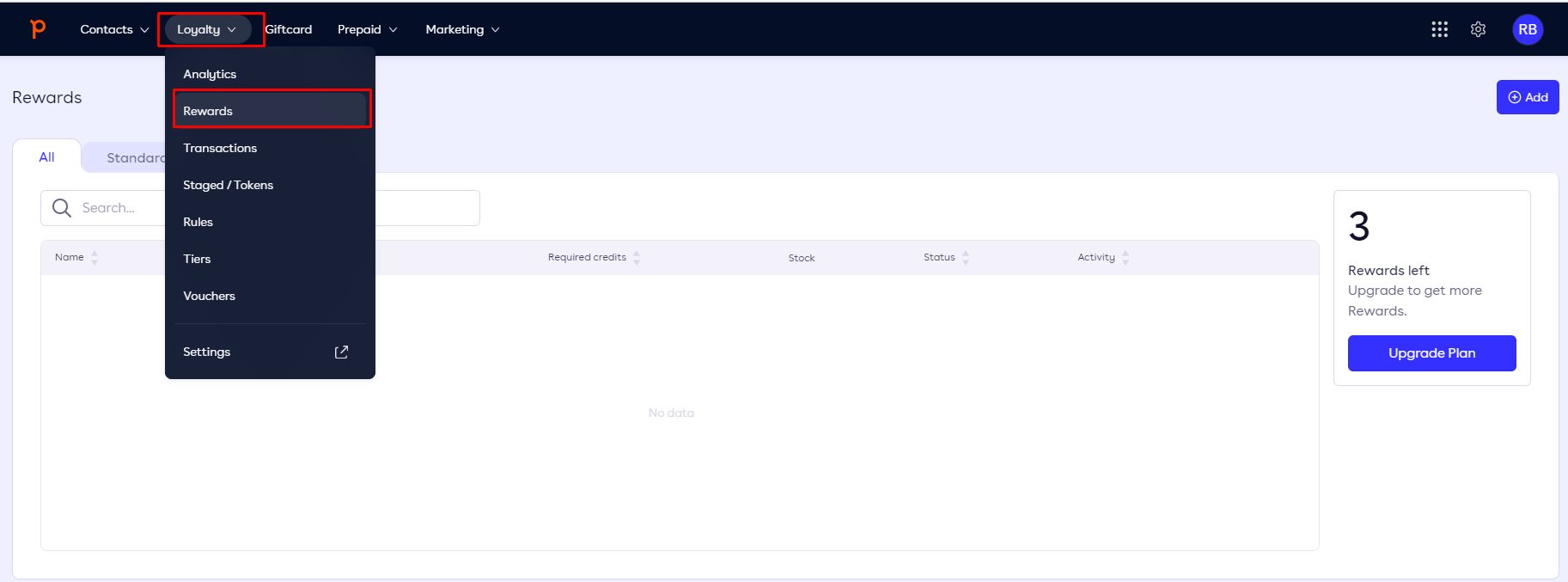
Navigate to Loyalty in the backoffice of Leat
Step 2:
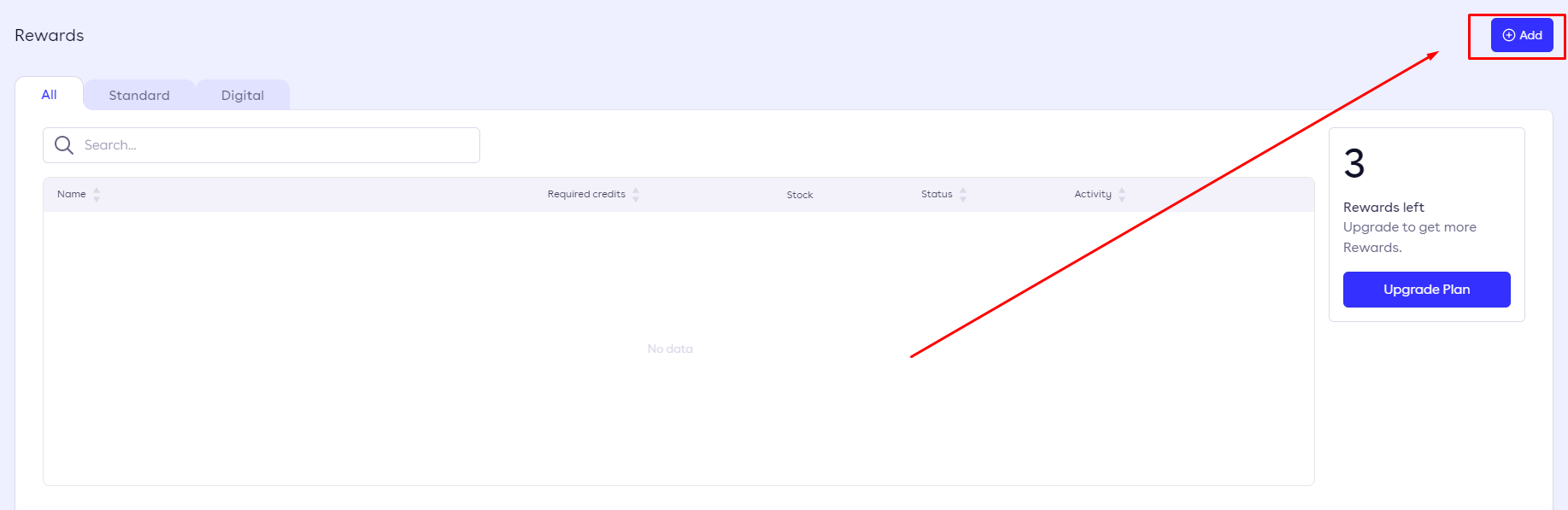
Create a new reward
step 3:
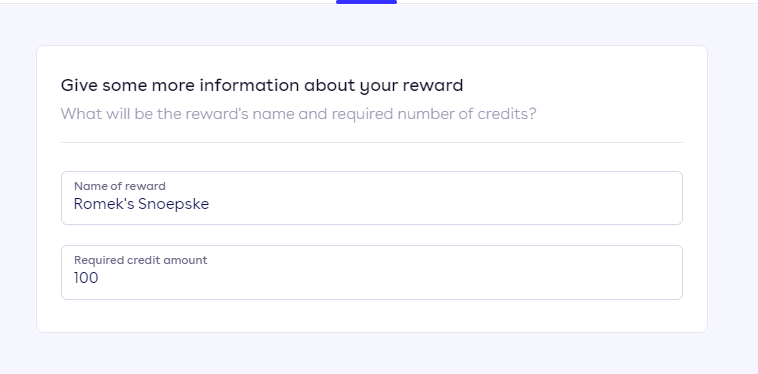
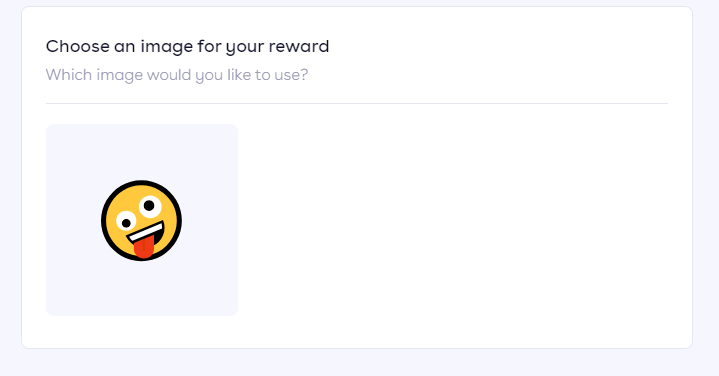
Create a physical reward

Step 4:
Login to the Jamezz Backoffice.
Step 5:
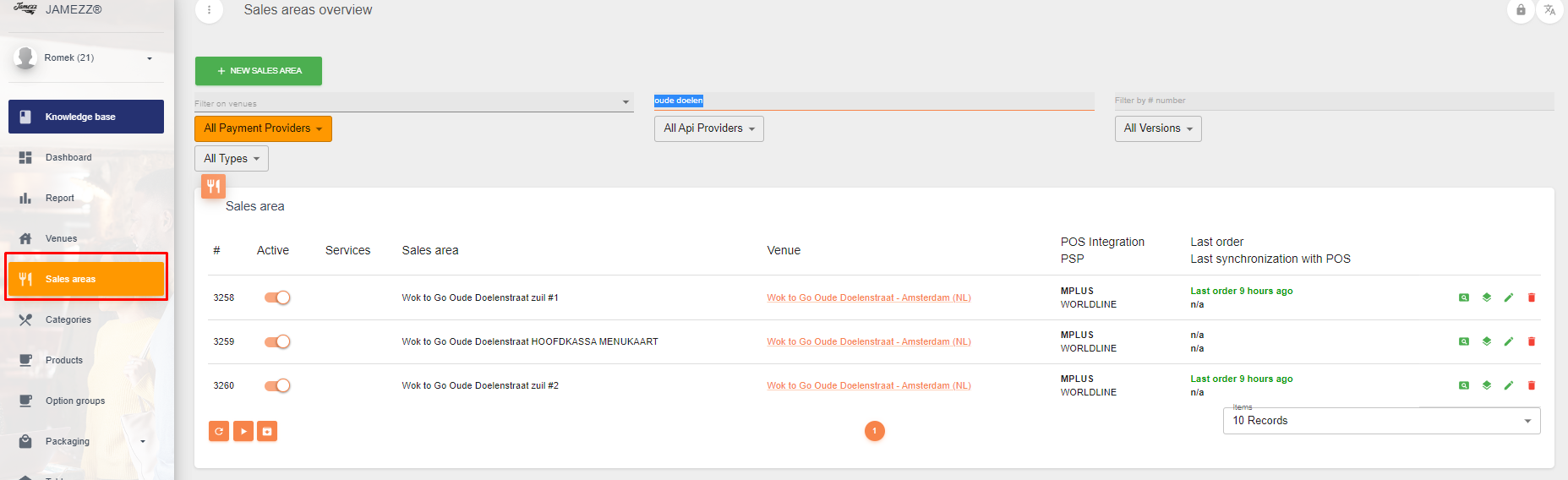
Navigate to the "Sales areas" tab.
Step 6:
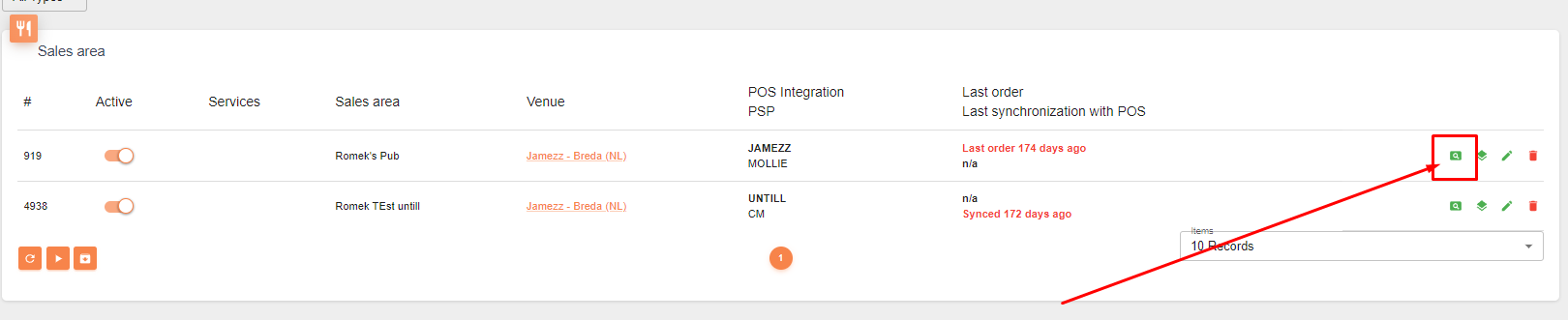
Filter on the sales area you want to edit.
Step 7:
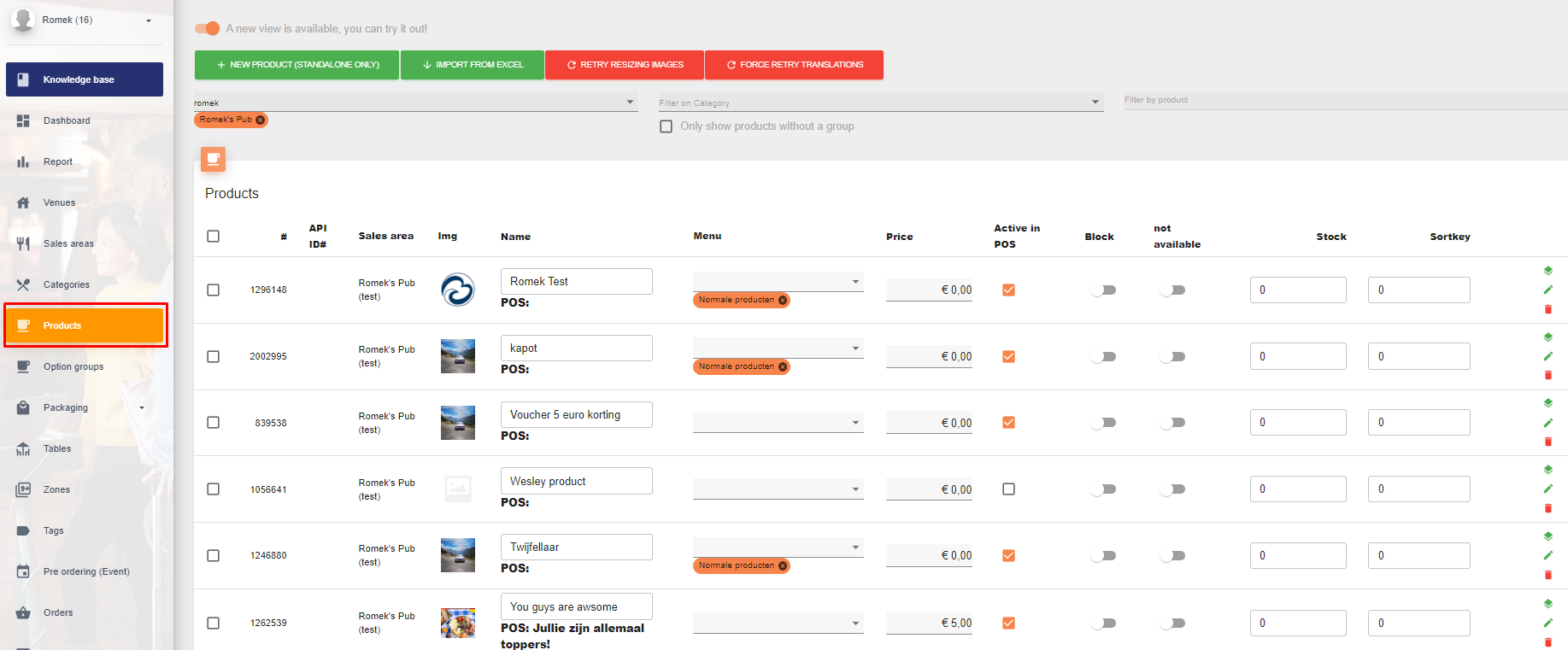
Navigate to products
Step 8:
Edit the desired product.
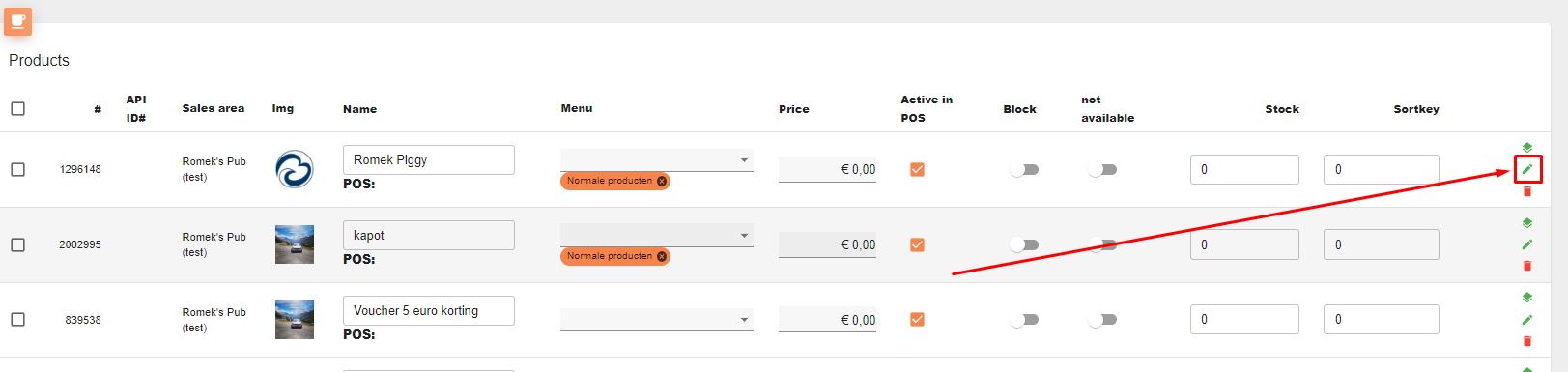
Step 9:
Navigate to Leat
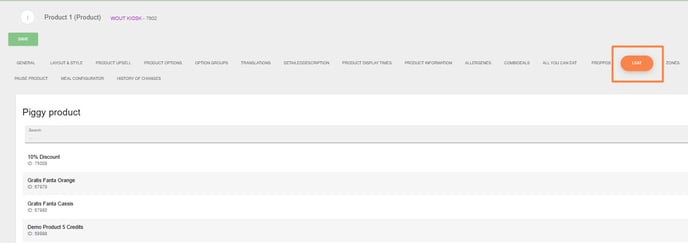
Step 11:
Select the reward you've created in Leat

