In all sales areas, you will find the General tab. This tab contains your company details, guest contact information and sales area settings. You can also set up connections to other sales areas from this tab.
To access the General tab, navigate to your sales area and click the pencil (edit) icon.

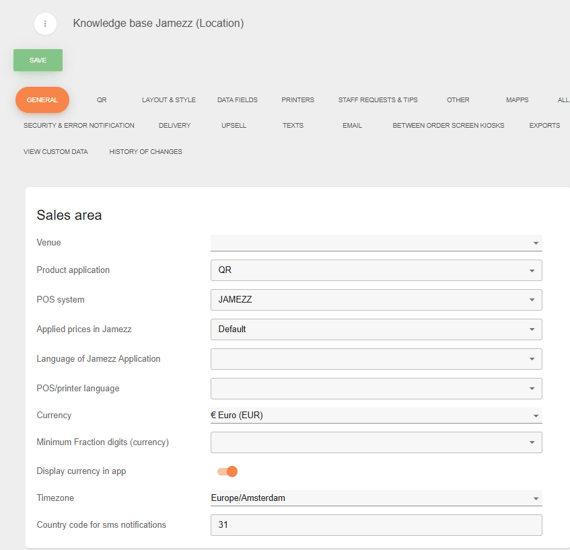
Sales area settings:
Here you configure settings specific to the sales area, such as the product application and POS system. The Venue field is filled in by the Jamezz administration team — you do not need to complete this yourself.
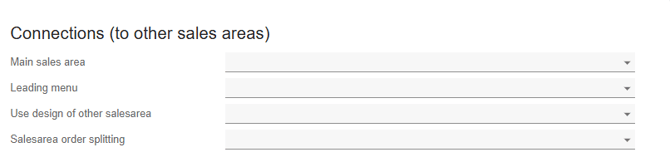
The connections:
The connections with other sales areas are important to understand. If you have multiple sales areas that use the same layout, style, and menu, you can link them here. This will save you a lot of time, as you only need to set everything up once.
Company and contact details:
In this section, enter your company and contact details, including street address, house number, postal code, city, and country.
💡Good to know! This information appears on receipts, so make sure it is accurate — your guests will see these details after every transaction.