You can add zones in your sales area to split up for example your restaurant and your terrace for some different articles you sell.
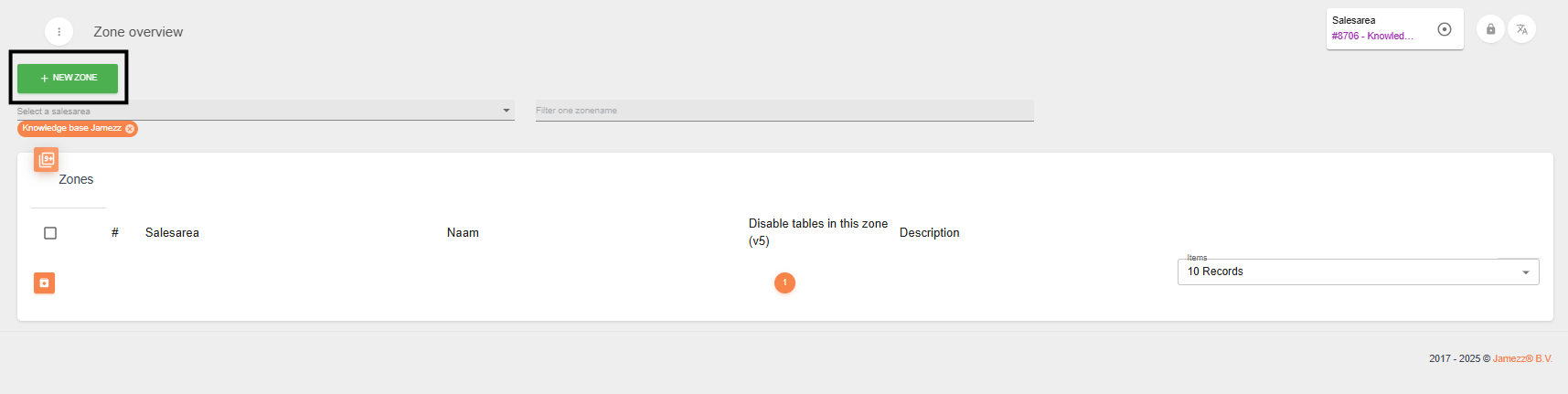
You can press the green button “+ New zone” to create a zone.
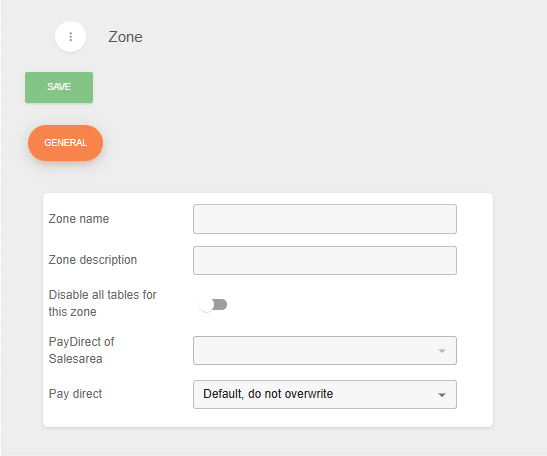
Here you will need to fill the next settings: Zone name and Description, payment possibilities and if you have a zone with tables you can disable all the tables of this zone in one time.
What you can do now is add certain tables to this zone in the tab “Tables”. This will define what tables are available in the new zone you’ve just created.

And now you will need to add the categories and articles to this zone, this can be done by the settings of the specific categorie(s) or product(s).
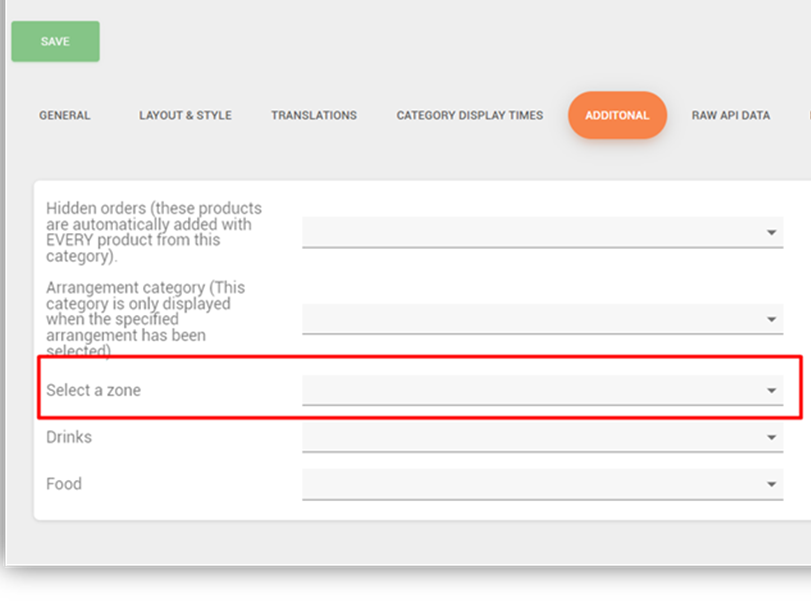
By categories, you will need to go to the tab Additional to be able to add the zone to this category.
For the products, you just go to the tab “zones” to add the product.
