💡Good to know! It is important to know that if you are working with Jamezz and a POS system for example UnTill, Lightspeed etc. the categories are synchronized from your cash register to Jamezz Backoffice. It varies what information each cash register imports from the menu.
Discuss with your cash register supplier what you set up there and sync with Jamezz and after that look to the result and change the rest in Jamezz BackOffice.
Products overview
In the product overview, you can see different things:
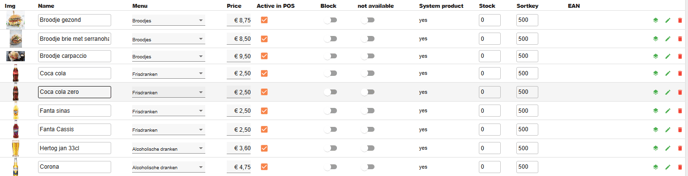
# is the number of the product.
# API ID is the number of the product from the POS system that you use. If it is empty the product is made in Jamezz.
The next things are quite clear: name, menu. price active in POS, block, not available.
Stock: here you see the quantity of products.
Sortkey: determines the order in which the products are displayed in your application.
EAN: you can set up the EAN-codes of a product in Jamezz to scan the product very quickly.
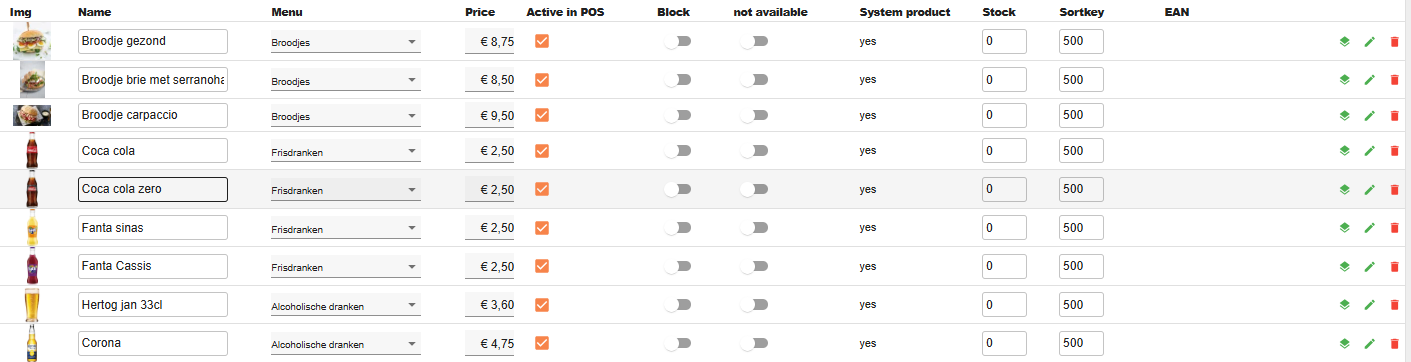
Standalone 
If you work standalone with Jamezz, you don't sync with a POS system than you can set up the products directly in Jamezz. You can choose out the green buttons + new product or import from excel. If you press this button: you will get a new page where you can download the example file to use as a template.
Also here you can eventualy upload the file to Jamezz.
