If you created your products you can also have option groups. Option groups are used when you would like to attach a menu or products to another product.
💡Good to know! It is important to know that if you are working with Jamezz and a POS system for example UnTill, Lightspeed etc. the option groups are synchronized from your cash register to Jamezz Backoffice. It varies what information each cash register imports from the option groups.
Discuss with your cash register supplier what you set up there and sync with Jamezz and after that look to the result and change the rest in Jamezz BackOffice.
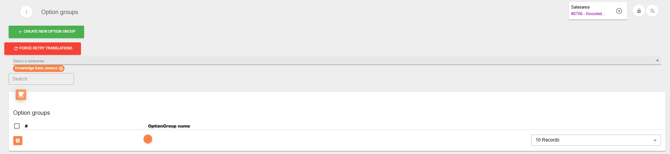
On the left menu building > option groups, you see the all option groups you have.
In a product you have a tab option groups and that is for every product apart. If you would like to edit a specific option group in a product it is important to do that in this tab.
If you can change the whole option group it can in the option groups overview.
Standalone
If you work standalone with Jamezz, you don't sync with a POS system than you can set up the option groups directly in Jamezz through click on the button create new option group in the overview. 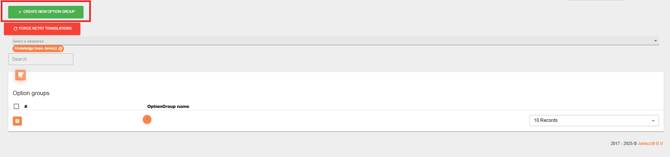
Let's create an example:
First of all I click on create new option group and than there are more tabs available now.
In the tab General you create the basic things: name, visible in Jamezz and POS, can order multiple of each item, minimal number of items and maximal. In the second tab Option Products you add the option products. Are the option products linked to more products you can see it in the tab Linked Products.
Translations tab is available to change the option group name in different languages.