Step 1:
Login to the Jamezz Backoffice.
Step 2:
Navigate to the "Sales areas" tab.

Step 3:
Edit the sales area you want to connect.

Step 4:
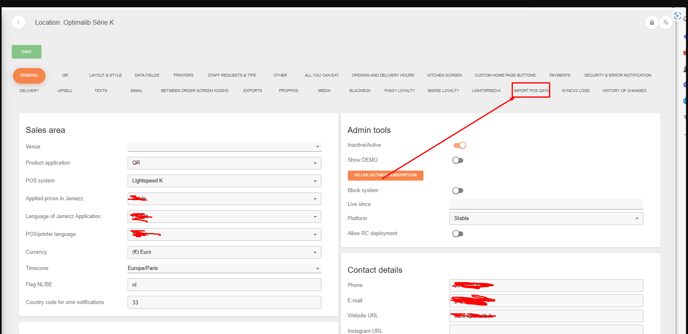
Go to the tab "Import Pos Data"
Step 5:
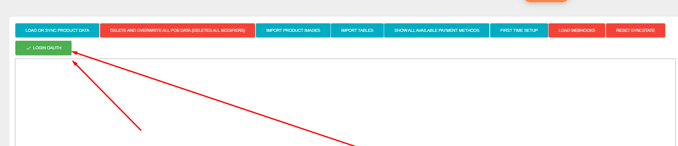
Press the green button "Login OAUTH"
Step 6:
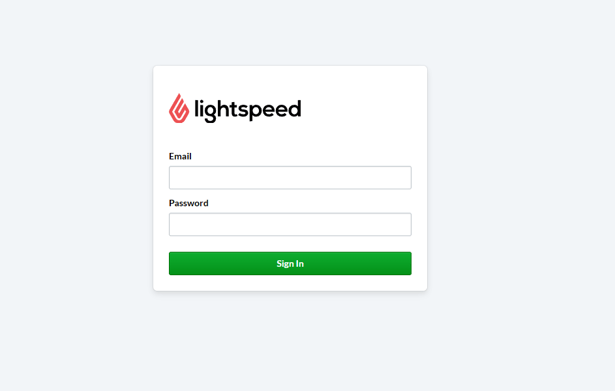
Login in with your Lightspeed credentials.
All done after following these steps you've linked your Lightspeed POS system to Jamezz.