Step 1:
Login to the Jamezz Backoffice.
Step 2:
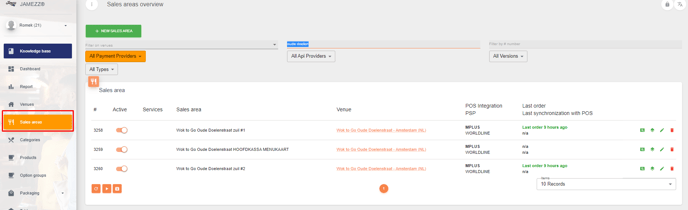
Navigate to the "Sales areas" tab.
Step 3:
Edit the sales area you want to connect.

Step 4:
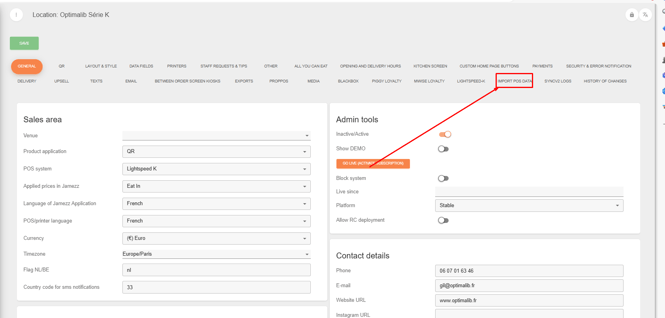
Go to the tab "Import Pos Data"
Step 5:
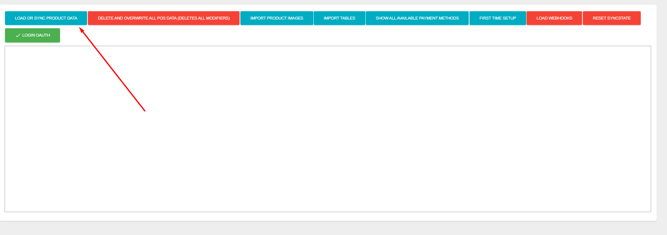
Press the button "Load or sync product data"
Login to the Jamezz Backoffice.
Navigate to the "Sales areas" tab.
Edit the sales area you want to connect.
Go to the tab "Import Pos Data"
Press the button "Load or sync product data"