Step 1:
- Login to the Jamezz Backoffice.
Step 2:
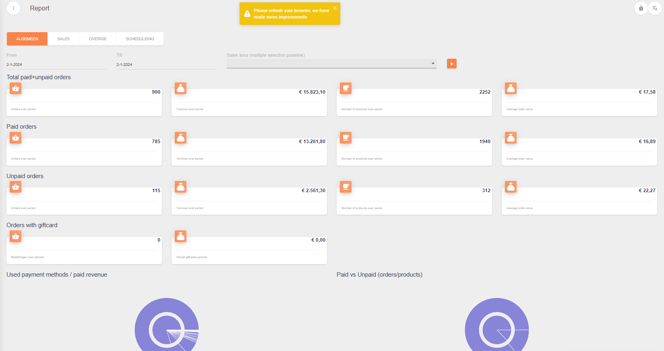
Navigate to the "Report" tab.
Step 3:
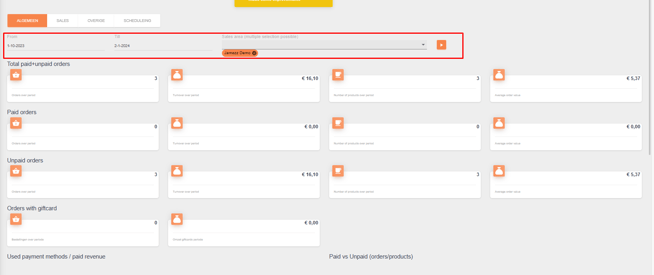
Filter on the desired sales area.
Step 4:
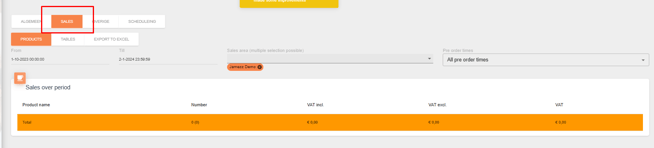
Go to the tab "Sales"
Step 5:
Underneath "Sales" click on "Export to excel"
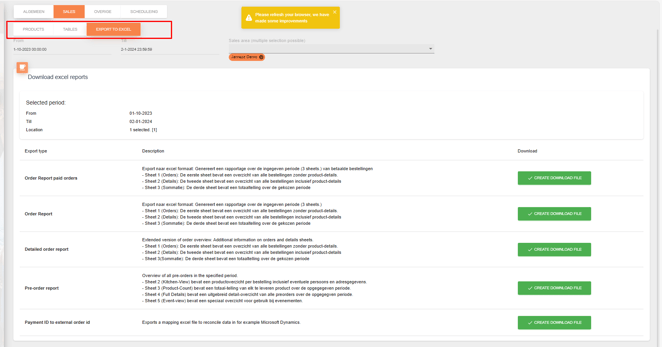
Step 6:
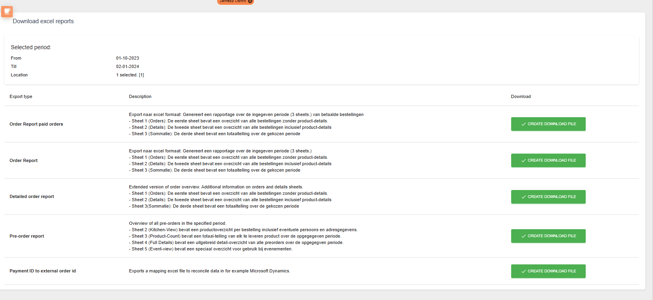
Select the XLS file you want to download.