Step 1:
Login to the Jamezz Backoffice.
Step 2:
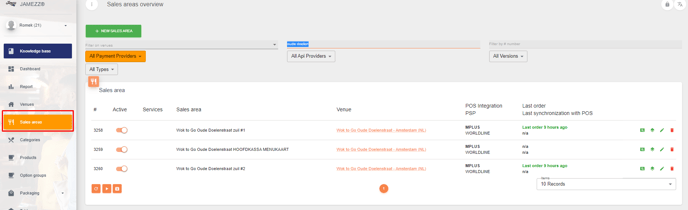
Navigate to the "Sales areas" tab.
Step 3:
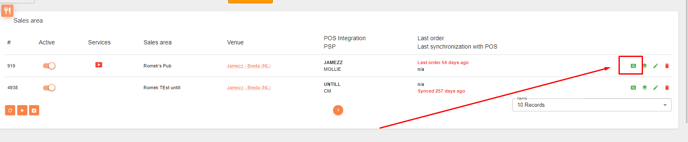
Filter on your sales area you want to edit
Step 4:
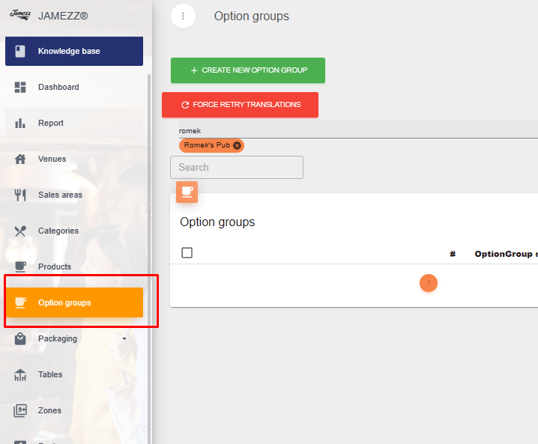
Navigate to Option Groups
Step 5:
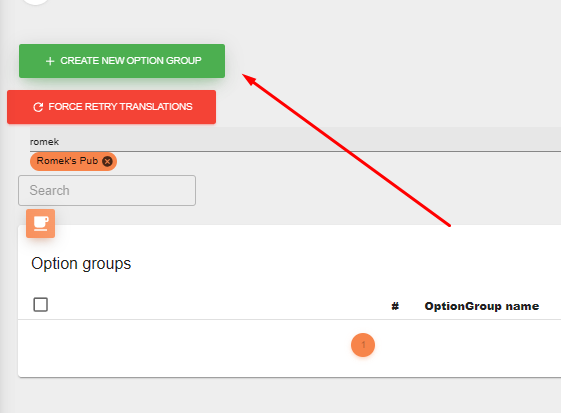
Create a new option group
Step 6:
Fill in the required details, and fill in the desired details aswell
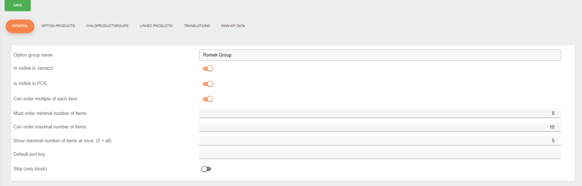
Step 7:
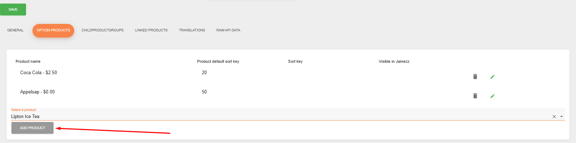
Adding the option products.
Type in the products you want to add and press "Add product"
Step 8:
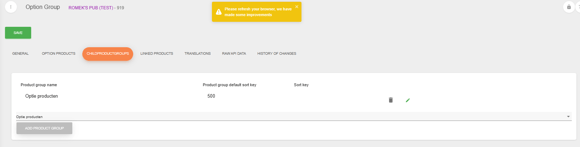
Adding a complete Category as optionproducts
If you have a complete category with products you want to use for a specific option group you can add this category aswell.
So you don't have to add product per product in the group as the step above.
Step 9:
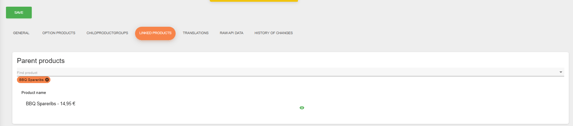
Linking the option group to a product.
Step 10:
Save
After following the steps above you have succesfully made a option group in Jamezz.